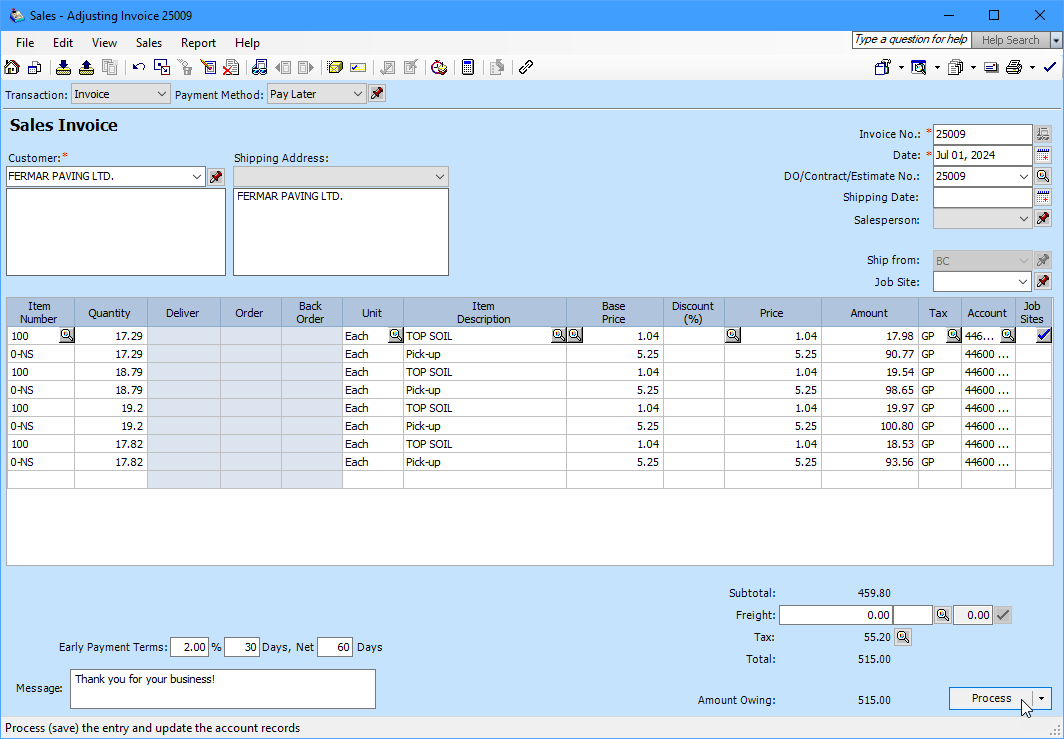
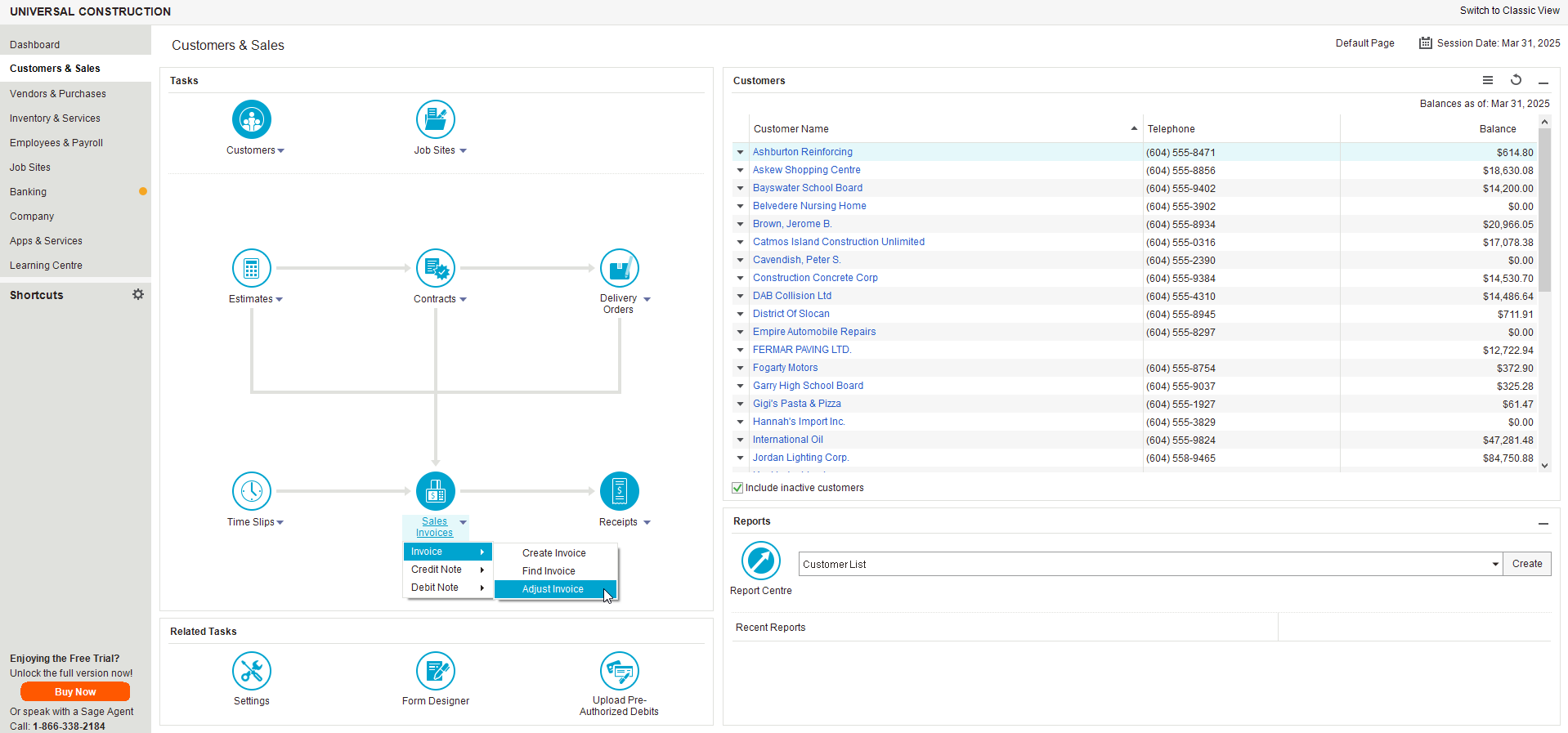
You can use the Find Invoice or Adjust Invoice feature to locate and view an Invoice. In this example we will use Adjust Invoice.
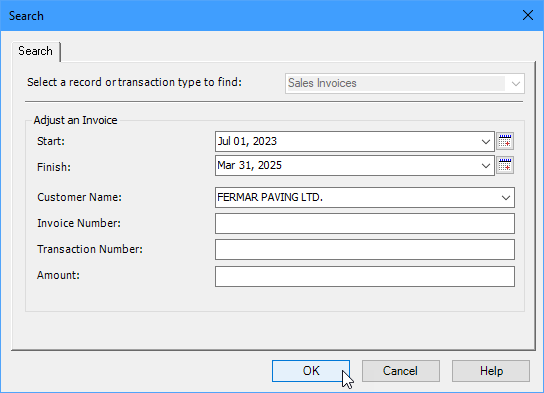
Choose a Customer Name from the drop down list and click OK.
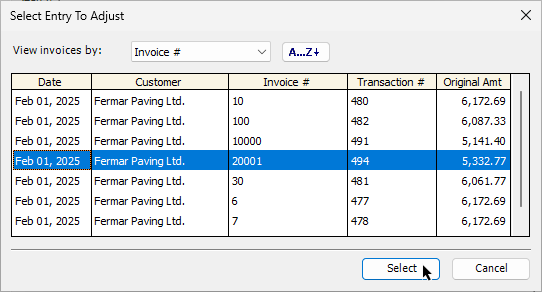
Choose an Invoice and click Select.
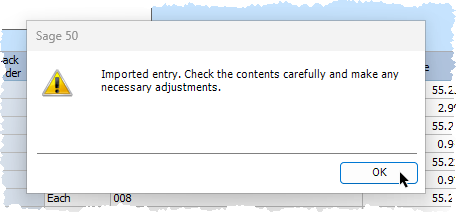
Sage will let you know that the Invoice was imported and should be checked carefully. Click OK to confirm.
Now you can review the invoice. When you are happy with it, click the Process button.