At the time this was written, the setup files required to install PostgreSQL on Windows are provided free of charge by EnterpriseDB (EDB). EDB is an American company that provides software and services based on the open-source database PostgreSQL (also known as Postgres), and is one of the largest contributors to Postgres.
PostgreSQL Windows installers created by EDB can be downloaded from the following location:
https://www.enterprisedb.com/downloads/postgres-postgresql-downloads
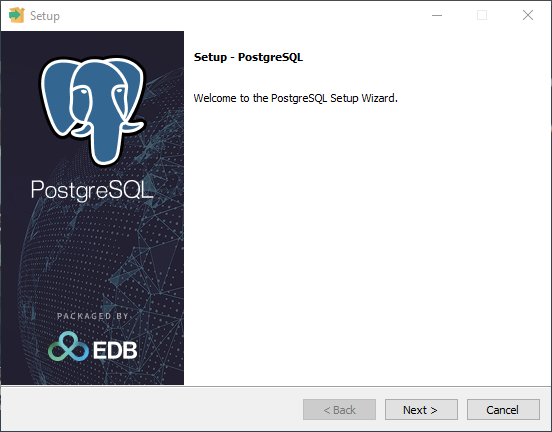
Welcome
Click Next to begin the setup process.
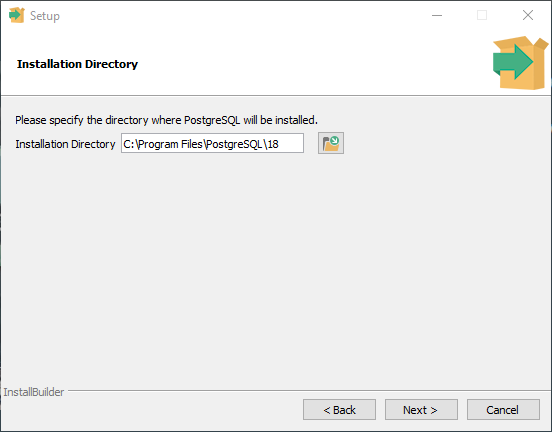
Installation directory
In general, there is no reason to change this setting.
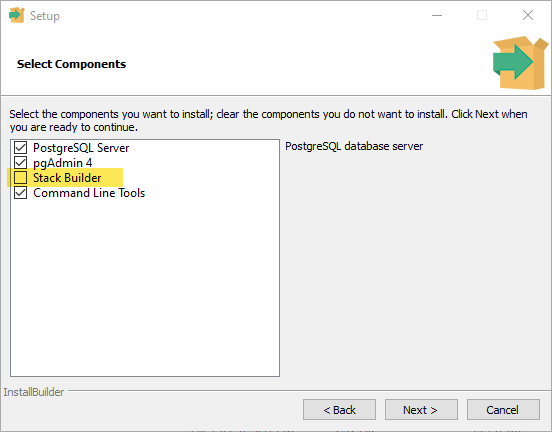
Select components
The Stack Builder feature is not required and should be unchecked.
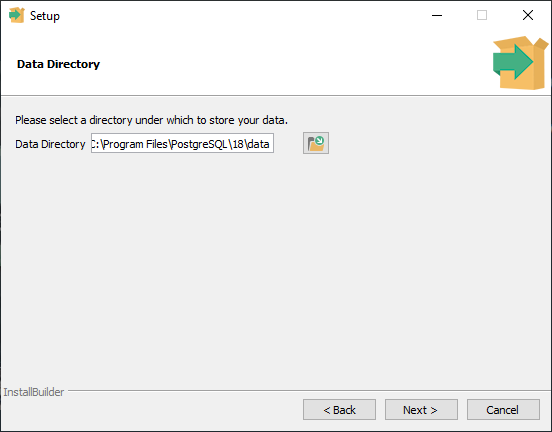
Data directory
The default value is recommended but you are free to specify an alternate location.
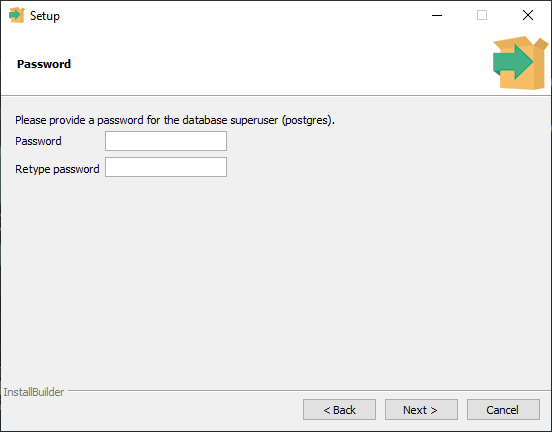
Password
You must supply a password for the postgres user (the superuser).
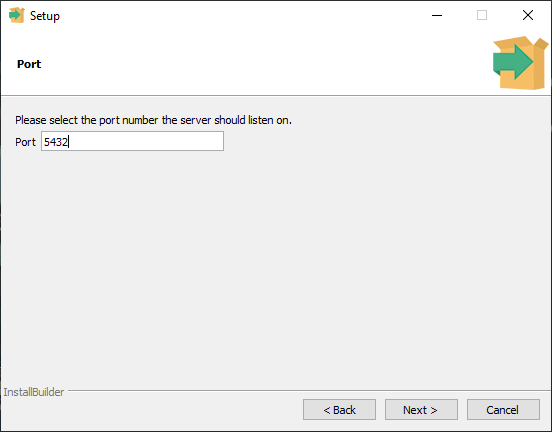
Port
The default port should be used unless you are aware of a reason not to use it. I that case provide any usable port number.
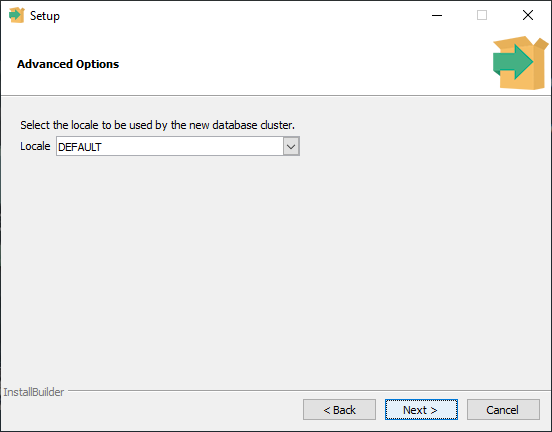
Locale
If your Windows locale setting is correct, DEFAULT is acceptable.
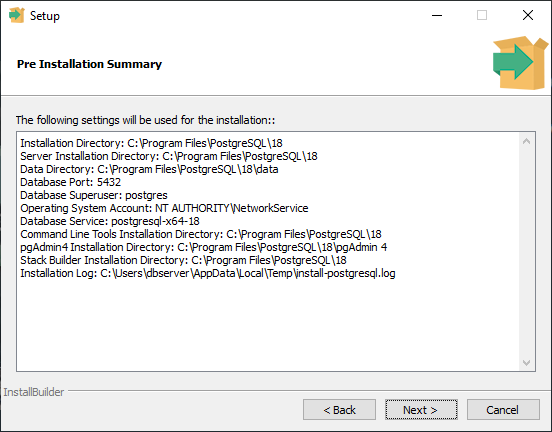
Summary
If you are happy with the choices click Next. Click Back to make changes.
Ready to install
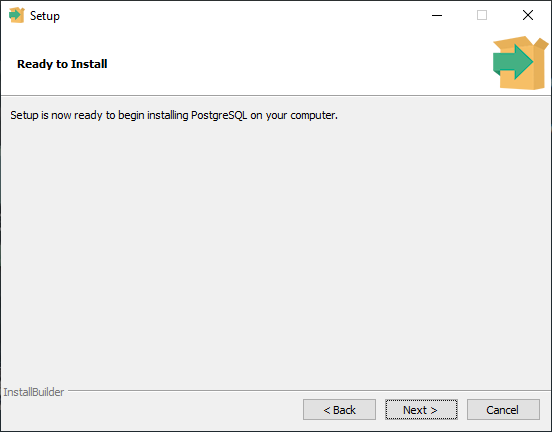
Click Next to complete the installation.